
You open your bank app. Then your credit card app. Then maybe a spreadsheet you swore you’d keep updated. Somewhere between tab three and “Wait, where did that charge come from?”, you realize your finances aren’t messy… they’re fragmented.
That’s usually the moment people start looking at Quicken software.
Not because they love budgeting. But because they’re tired of guessing.
So, What Is Quicken Software (Really)?
At its core, Quicken software is a personal finance tool that pulls your financial life into one place, bank accounts, credit cards, investments, bills, even property.
Instead of juggling platforms, you get a single dashboard that answers the big questions:
- How much am I actually spending?
- Where is my money going?
- Am I on track financially?
It’s been around for decades, which in tech years basically makes it ancient, but also refined. This isn’t a trendy app trying to reinvent money management. It’s a system that’s evolved with it.
Getting Started: The First 15 Minutes
The setup is where most beginners either commit, or quit.
Here’s the reality: it’s easier than it looks.
Once you install Quicken software, you:
- Create an account
- Link your financial institutions
- Let the software sync your transactions
That’s it. No manual entry required (unless you want it).
Quicken supports connections with thousands of banks and financial institutions, following security practices similar to those outlined by the Consumer Financial Protection Bureau on safe financial data sharing.
So yes, your data is encrypted and protected. Still, you control what gets connected.
The Dashboard: Your Financial Reality Check
This is where things get… honest.
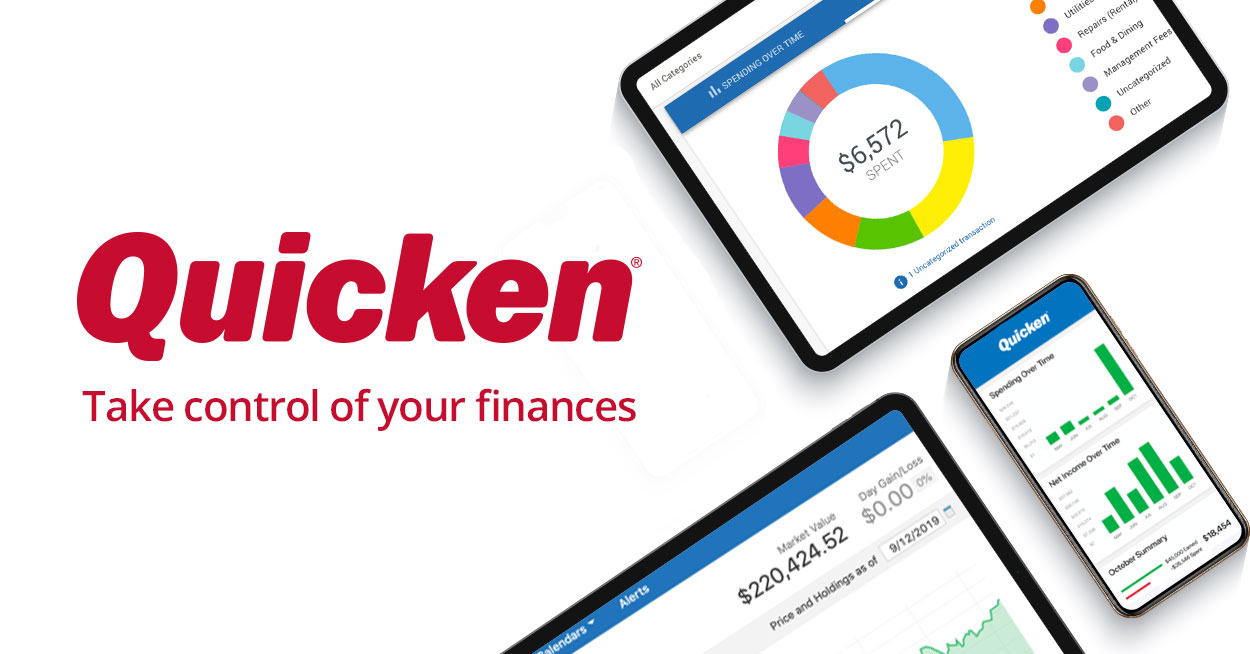
Once your accounts sync, Quicken shows:
- Total balances across accounts
- Recent transactions
- Spending breakdowns
- Upcoming bills
It’s not flashy. But it’s revealing.
You might think you spend “a little” on takeout, until you see the monthly total staring back at you.
Uncomfortable? Sometimes.
Useful? Always.
Budgeting Without the Spreadsheet Headache
Budgeting is where most people expect complexity. Quicken keeps it relatively simple.
You can:
- Set monthly spending limits by category
- Track actual vs. planned expenses
- Adjust budgets as your life changes
The key difference? It’s dynamic.
Instead of building a rigid spreadsheet, your budget evolves as transactions come in. Overspend on groceries? You’ll see it immediately.
If you want a deeper dive into effective budgeting frameworks, resources like the Federal Trade Commission’s budgeting guide break down foundational strategies that pair well with tools like Quicken.
Bill Tracking: No More “Oops, I Forgot”
Late fees are one of those small annoyances that add up fast.
With Quicken software, you can:
- Track upcoming bills
- Set reminders
- See projected cash flow after payments
It’s not just about remembering, it’s about planning.
You can look ahead and know: “If I pay everything due this week, what’s left?”
That kind of visibility changes behavior.
Investment Tracking (Without the Overwhelm)
If you have investments, even basic ones, Quicken helps you monitor them without turning into a full-time analyst.
Features include:
- Portfolio tracking
- Performance over time
- Asset allocation insights
It’s not as advanced as professional trading platforms. That’s intentional.
The goal isn’t to day-trade, it’s to understand how your investments fit into your overall financial picture.
Reports That Actually Make Sense
Here’s where Quicken quietly shines.
You can generate reports like:
- Spending by category
- Income vs. expenses
- Net worth over time
And they’re… readable.
No complicated formulas. No spreadsheet gymnastics. Just clear visuals that show trends.
This is where many users have their “oh wow” moment, when patterns become obvious.
Quicken Plans: What Do You Actually Need?
Quicken isn’t one-size-fits-all. It offers different plans depending on your needs:
- Starter: Basic budgeting and expense tracking
- Deluxe: Adds savings goals and more detailed reports
- Premier: Includes investment tracking
- Home & Business: Designed for rental properties or small businesses
If you’re just starting out, you probably don’t need the top-tier plan.
Start simple. Upgrade only if your finances get more complex.
The Learning Curve (Let’s Be Honest)
Quicken is powerful, but not instant.
There’s a short adjustment period:
- Categorizing transactions
- Customizing budgets
- Understanding reports
It’s not difficult. Just unfamiliar.
Give it a week or two, and it starts to feel less like software, and more like a habit.
Who Should Use Quicken Software?
It’s not for everyone. But it’s a great fit if you:
- Want a clear, centralized view of your finances
- Prefer structure over guesswork
- Are ready to track (not ignore) your spending
If you’re looking for a super minimal, mobile-only experience, it might feel like too much.
But if you want control? This is where it starts.
Final Thought: Clarity Changes Behavior
Most people don’t have a money problem, they have a visibility problem.
They don’t see the patterns. The leaks. The habits.
Quicken software doesn’t magically fix your finances. It just shows them to you, clearly, consistently, sometimes uncomfortably.
And once you see it, you can’t unsee it.
That’s where change begins.
*This article is for informational purposes only and should not be taken as official legal advice*